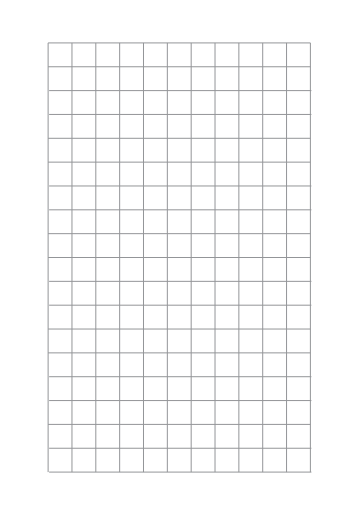
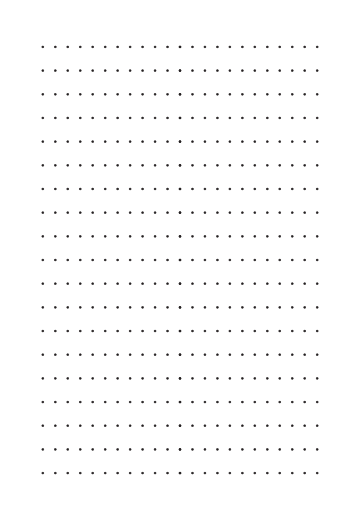
Black Graph Paper – Inverted Grid
Everything You Need to Know About Inverted Graph Paper
Inverted graph paper reverses the classic format by highlighting the grid against a dark background. This creates high contrast, popular for design sketches and creative layouts.
Why Choose Inverted Graph Paper?
It differs from traditional graph paper in presentation and effect:
- High contrast makes drawings stand out
- Offers a modern, stylish look
- Useful for design work meant for digital reproduction
Interesting Uses
- Common in design schools for layout experiments
- Favored by engineers for sketches intended for scanning
- Popular in creative communities as an alternative format
How do I print it at the right size?
Printers shrink the page slightly by default, which makes every measurement on the sheet wrong. Turn scaling off and the spacing comes out exactly as you set it.
- Scale: 100% / Actual size
- Turn off "Fit to page"
- Paper: white 80 gsm
- Colour: black and white for crisp lines
Do I need Word for this?
No. A grid or ruling drawn as a table in Word changes size when it prints, because Word scales the page to your printer margins — so the spacing you set is not the spacing you get. The PDF here is fixed at the size you chose, which is the whole point of downloading one.
Can I put this inside a Word document?
Yes — download it as a transparent PNG and insert it as a picture or page background. Word, Google Docs and Slides all take it, and the spacing stays exactly as you set it here.