E-Reader Templates: Lined, Graph and Dot Grid Paper
Free paper templates made the exact size of your e-reader's screen: lined, graph and dot grid PDFs for the reMarkable 2, the reMarkable Paper Pro and the Kindle Scribe. The page is the screen, so a template opens edge to edge, with no white bars and nothing shrunk. Pick your device, download the PDF and import it.
reMarkable 2
10.3-inch screen, 1404 × 1872 pixels. Also fits the Supernote A5X, which uses the same panel.
reMarkable Paper Pro
11.8-inch colour screen, 1620 × 2160 pixels.
Kindle Scribe
10.2-inch screen, 1860 × 2480 pixels.
How do I put a template on my reMarkable?
Download the PDF, then drag it into the reMarkable desktop or mobile app, or upload it at my.remarkable.com. It appears in your documents, where you write on it like any notebook. The template is drawn at the screen's own size, so the lines stay exactly as spaced.
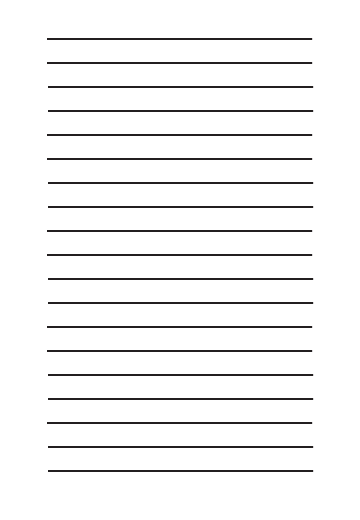
Start with the lined template for the reMarkable 2.
How do I put a template on my Kindle Scribe?
Send the PDF to your Kindle with Send to Kindle, from the app, the website or by email. On the Scribe you can then write on the page with the pen. The sheet is sized to the Scribe's screen, so it fills it without margins.
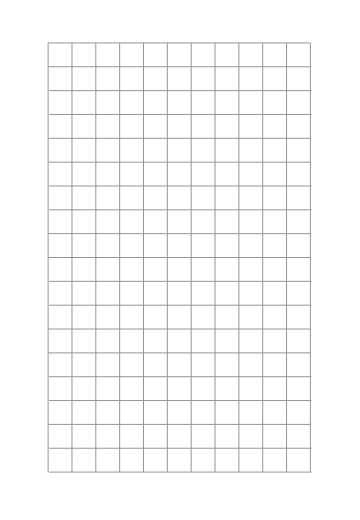
Try the graph paper template for the Kindle Scribe.
Why not use an ordinary A4 or Letter PDF?
These screens are 3:4. A4 is narrower (1:1.41) and Letter wider (1:1.29), so the device either adds white bars or shrinks the page to fit, and your 7 mm lines come out closer together than you chose. A template made at the screen's size avoids both.
Can I use these in GoodNotes or on an iPad?
Yes. Import the PDF into GoodNotes, Notability or any PDF app. The 12.9- and 13-inch iPad Pro and Air also have a 3:4 screen, so these templates fill them without bars as well. For a different ruling or margin, change it on the paper page and download again.
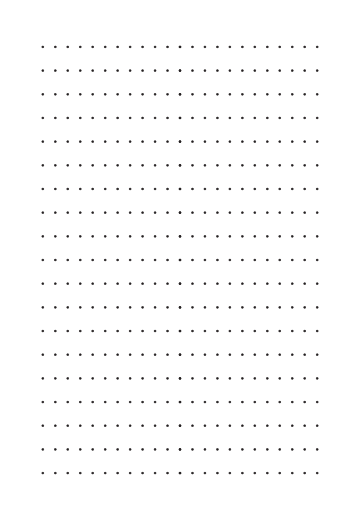
For journaling, the dot grid template for the reMarkable Paper Pro.