Free Printable Flashcard Template
What Are Printable Flashcards?
Flashcards are small cards with a question or term on one side and the answer or definition on the other. They are one of the most effective study tools — used for language learning, exam preparation, medical studies, and memorising facts of any kind. Print them, cut them out, and you have a ready-to-use study deck.
When to Use Each Style
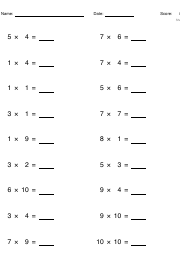
- Blank: Best for vocabulary pairs, maths facts, or any topic where you write both sides yourself.
- Titled: Adds a term line at the top — great for subject terms with a longer explanation below.
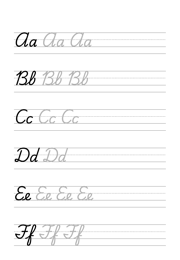
- Lined: Includes ruled lines in the body — ideal for sentences, grammar notes, or structured definitions.
Study Tips
- Spaced repetition: Review cards you know less frequently and harder cards more often — this is the fastest way to memorise.
- Two-sided printing: Print the same page twice (flip the paper between prints) to get question on one side, answer on the other.
Also useful for vocabulary study: Vocabulary Worksheet
How do I print it at the right size?
Printers shrink the page slightly by default, which makes every measurement on the sheet wrong. Turn scaling off and the spacing comes out exactly as you set it.
- Scale: 100% / Actual size
- Turn off "Fit to page"
- Paper: white 80 gsm
- Colour: black and white for crisp lines
Do I need Word for this?
No. A grid or ruling drawn as a table in Word changes size when it prints, because Word scales the page to your printer margins — so the spacing you set is not the spacing you get. The PDF here is fixed at the size you chose, which is the whole point of downloading one.
Can I put this inside a Word document?
Yes — download it as a transparent PNG and insert it as a picture or page background. Word, Google Docs and Slides all take it, and the spacing stays exactly as you set it here.