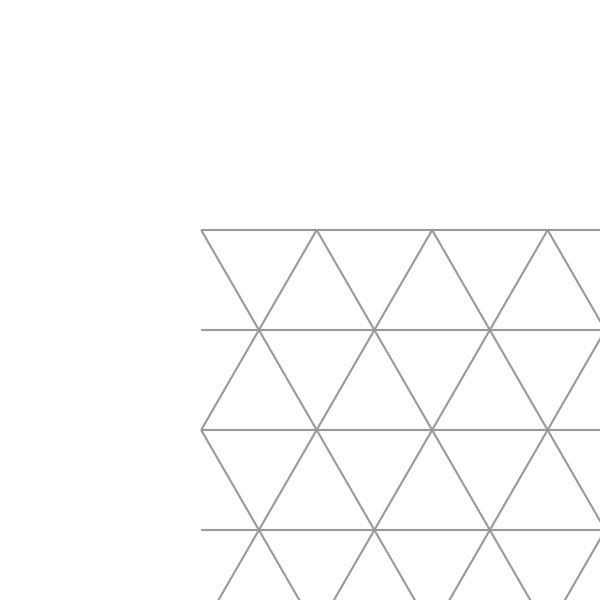
Printable Equilateral Triangle Grid Paper
Equilateral Triangle Paper: Printable Triangle Grid for Isometric Drawing & Art
Equilateral triangle paper covers the page with a grid of equilateral triangles — each side equal, each angle exactly 60°. This makes it the go-to paper for isometric drawing, tessellation art, 3D cube sketching, and geometry class. Because three triangles meet perfectly at every vertex, the grid also functions as a hexagon grid: connect every other set of triangles to reveal the hexagons hidden inside.
Isometric Drawing & 3D Sketching
The 60° grid is the foundation of isometric projection — the drafting technique that shows objects in three dimensions without perspective distortion. Architects, product designers, and game artists use isometric grids to sketch cabinets, buildings, and pixel-art environments. With equilateral triangle paper you can:
- Draw 3D cubes, crates, and staircase structures by following the three axis directions of the grid.
- Sketch isometric room layouts or dungeon maps for tabletop RPGs — every corridor stays perfectly aligned.
- Design pixel-art sprites or level maps in a clean isometric style without graph software.
Prefer dots to lines? Our isometric dot paper gives the same 60° grid as light reference dots that stay invisible once you draw over them.
Tessellation, Geometry & Art
- Tessellation art – equilateral triangles tile the plane perfectly. Color alternating triangles to build hexagons, Stars of David, pinwheel patterns, or Escher-inspired creatures.
- Geometry class – hands-on proofs for the interior angle sum of polygons, symmetry groups, and the relationship between triangles and hexagons.
- Quilting & patchwork – the 60° grid mirrors the classic "grandmother's flower garden" hexagon quilt layout; plan your fabric colors before cutting.
- Origami planning – sketch fold lines for modular origami units that assemble into 3D polyhedra.
How do I print it at the right size?
Printers shrink the page slightly by default, which makes every measurement on the sheet wrong. Turn scaling off and the spacing comes out exactly as you set it.
- Scale: 100% / Actual size
- Turn off "Fit to page"
- Paper: white 80 gsm
- Colour: black and white for crisp lines
Do I need Word for this?
No. A grid or ruling drawn as a table in Word changes size when it prints, because Word scales the page to your printer margins — so the spacing you set is not the spacing you get. The PDF here is fixed at the size you chose, which is the whole point of downloading one.
Can I put this inside a Word document?
Yes — download it as a transparent PNG and insert it as a picture or page background. Word, Google Docs and Slides all take it, and the spacing stays exactly as you set it here.