Email Me This PDF
We'll send this exact paper to your inbox — print it anytime, on any device.
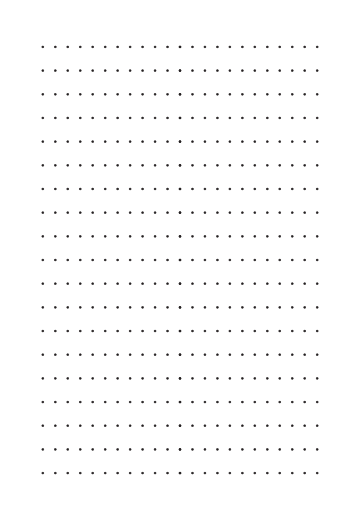
Isometric dot grid paper is a specialized layout featuring evenly spaced dots arranged in a 60° triangular pattern. Unlike traditional graph paper, the dots are not aligned in a square grid but in a repeating pattern where each dot is equidistant from its three nearest neighbors, forming equilateral triangles. This structure supports accurate three-dimensional drawing and visual symmetry.
Originally used in engineering and drafting, isometric dot paper helps users create 3D shapes—like cubes, prisms, and complex architectural forms—without perspective distortion. The dot grid format is preferred for its minimal visual clutter, offering guidance without overwhelming the drawing space.
Whether you're developing a video game level, exploring spatial geometry, or designing stylized lettering, isometric dot paper provides the ideal foundation for precision and creativity. Choose from grey, blue, sepia, green, or dark black dots — all print cleanly without competing with your drawing.
Printers shrink the page slightly by default, which makes every measurement on the sheet wrong. Turn scaling off and the spacing comes out exactly as you set it.
No. A grid or ruling drawn as a table in Word changes size when it prints, because Word scales the page to your printer margins — so the spacing you set is not the spacing you get. The PDF here is fixed at the size you chose, which is the whole point of downloading one.
Yes — download it as a transparent PNG and insert it as a picture or page background. Word, Google Docs and Slides all take it, and the spacing stays exactly as you set it here.
We'll send this exact configuration so you can print it again without setting it up.
One email with your PDF. No account, and no other emails ever — unless you tick the box.
Someone else probably needs the same page — a classmate, your kids, a colleague.
You downloaded this exact page a moment ago. Knowing why helps us fix the cause.
We can build one of these next.
What did you print this for?
Your feedback helps us improve — and keeps this tool free for everyone.
Check your inbox — the PDF and a link back to this exact setup are in there.