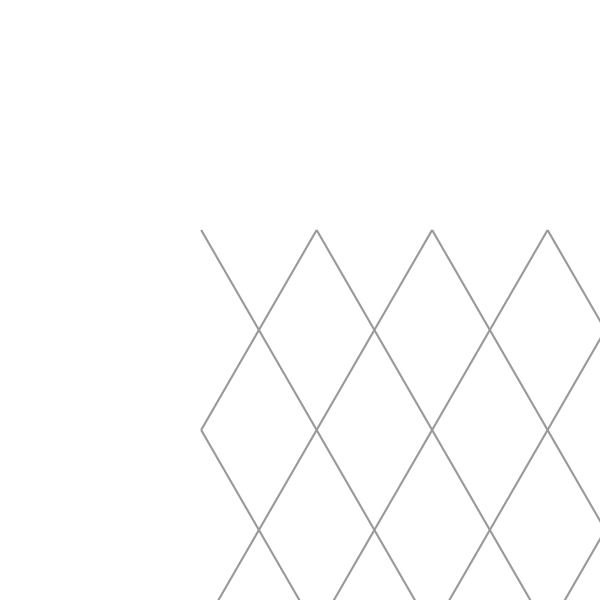
Printable Rhombus Grid Paper
Rhombus Paper: Printable Diamond Grid for Art & Geometry
Rhombus paper features a repeating grid of diamond (rhombus) shapes instead of squares. Each cell has two acute and two obtuse angles, giving it a natural tilt that unlocks creative directions ordinary graph paper cannot. It is used for geometric art, tessellation designs, quilting templates, and symmetry exercises in math class.
Creative Uses for Diamond Grid Paper
- Tessellation & pattern art – the repeating diamond structure makes it effortless to design Escher-style interlocking shapes, Islamic geometric star patterns, and seamless repeating motifs.
- Quilting & textile design – quilters use rhombus grids to plan diamond-patch blocks, tumbling-cube layouts, and hexagon-adjacent arrangements before cutting fabric.
- Angular sketching & illustration – designers trace angular forms, faceted gem drawings, and 3D crystal structures over the diamond guides without needing a ruler.
- Coloring & mindfulness – the repeating cells are satisfying to fill with alternating colors; each completed row reveals a new visual rhythm.
Rhombus Paper in Math & Education
Teachers use rhombus grids to demonstrate congruence, symmetry axes, and angle relationships in a hands-on way. Students can verify that opposite angles in a rhombus are equal, trace reflections across diagonals, and construct tessellating shapes that fill the plane exactly.
Need a square grid instead? Try our free printable graph paper. For a triangular grid with 60° angles, see our equilateral triangle paper.
How do I print it at the right size?
Printers shrink the page slightly by default, which makes every measurement on the sheet wrong. Turn scaling off and the spacing comes out exactly as you set it.
- Scale: 100% / Actual size
- Turn off "Fit to page"
- Paper: white 80 gsm
- Colour: black and white for crisp lines
Do I need Word for this?
No. A grid or ruling drawn as a table in Word changes size when it prints, because Word scales the page to your printer margins — so the spacing you set is not the spacing you get. The PDF here is fixed at the size you chose, which is the whole point of downloading one.
Can I put this inside a Word document?
Yes — download it as a transparent PNG and insert it as a picture or page background. Word, Google Docs and Slides all take it, and the spacing stays exactly as you set it here.