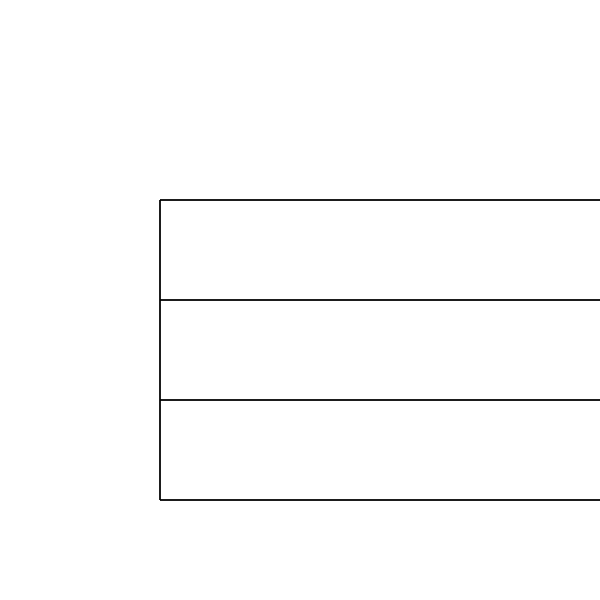
Printable Handwriting Paper for Kids
Writing Paper for Kids: 4-Line and 2-Line Ruling
Choosing the right writing paper matters. The ruling style that works for a preschooler is not the same as one needed by a Grade 1 student. This generator lets you pick exactly what your child needs — and download it instantly as a PDF.
Which ruling is right for your child?
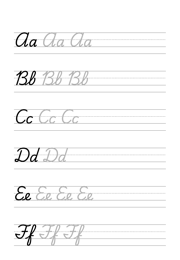
- 4-Line System (Preschool, ages 4–6) – Four horizontal lines per row create three writing zones — upper, middle, and lower. The optional red baseline highlights where letters sit, giving beginners a clear visual anchor. Ideal for first handwriting practice and for children with fine motor difficulties or developmental delays.
- 4-Line System – Extra Wide (SEN / Occupational Therapy) – The same four-line structure with much wider spacing (45 mm). Designed for children who need more room to form letters — young learners, special educational needs, or children working with an occupational therapist.
- 2-Line System (Grade 1, ages 6–7) – Two lines per row with a single guide define the writing height. Less visual structure than the 4-line system, but still provides the upper boundary that helps children keep letter height consistent.
- Landscape orientation – Choose landscape for extra-wide rows — useful for fine motor practice and for children who find the standard A4 portrait format too narrow.
About the coloured baseline
The red baseline option applies to both the 4-line and 2-line systems. When enabled, the baseline — the line letters should rest on — is printed in red instead of black. Research in special education supports the use of colour-coded guides: the red line improves spatial orientation and makes it easier for children to anchor letters consistently.
This feature is particularly helpful for children with dyslexia, developmental coordination disorder (DCD/dyspraxia), or other learning differences where visual guidance reduces writing errors.
Which ruling do US schools use?
American handwriting paper is ruled differently from the A4 sheets above. The classroom standard is a 1/2 inch rule — the distance from the baseline up to the top line — with the midline a quarter inch above the baseline, and a skip space before the next group. Sheets are printed the long way rather than portrait, which is why primary writing tablets are wider than they are tall.
Our US version matches that ruling on Letter paper, so it prints from a home printer at the right size with no scaling. Set print scale to 100% and the 1/2 inch rule stays a real 1/2 inch.
Download ruled paper for handwriting practice in US Letter.
What ruling does UK handwriting paper use?
UK schools typically rule handwriting paper with just two lines — a baseline and one guide line marking letter height — rather than the four-line system above. Ascenders and descenders are left unruled, so children learn to judge their own height above and below the guide rather than filling a fixed band.
Our UK version draws exactly that: a baseline, a single guide line, and the wider spacing common in early-years exercise books, with no vertical borders down the sides.
Download handwriting paper with a baseline and guide line.
How do I print it at the right size?
Printers shrink the page slightly by default, which makes every measurement on the sheet wrong. Turn scaling off and the spacing comes out exactly as you set it.
- Scale: 100% / Actual size
- Turn off "Fit to page"
- Paper: white 80 gsm
- Colour: black and white for crisp lines
Do I need Word for this?
No. A grid or ruling drawn as a table in Word changes size when it prints, because Word scales the page to your printer margins — so the spacing you set is not the spacing you get. The PDF here is fixed at the size you chose, which is the whole point of downloading one.
Can I put this inside a Word document?
Yes — download it as a transparent PNG and insert it as a picture or page background. Word, Google Docs and Slides all take it, and the spacing stays exactly as you set it here.